
Contacts
The organisations and people you send to, saved as envelopes go out.
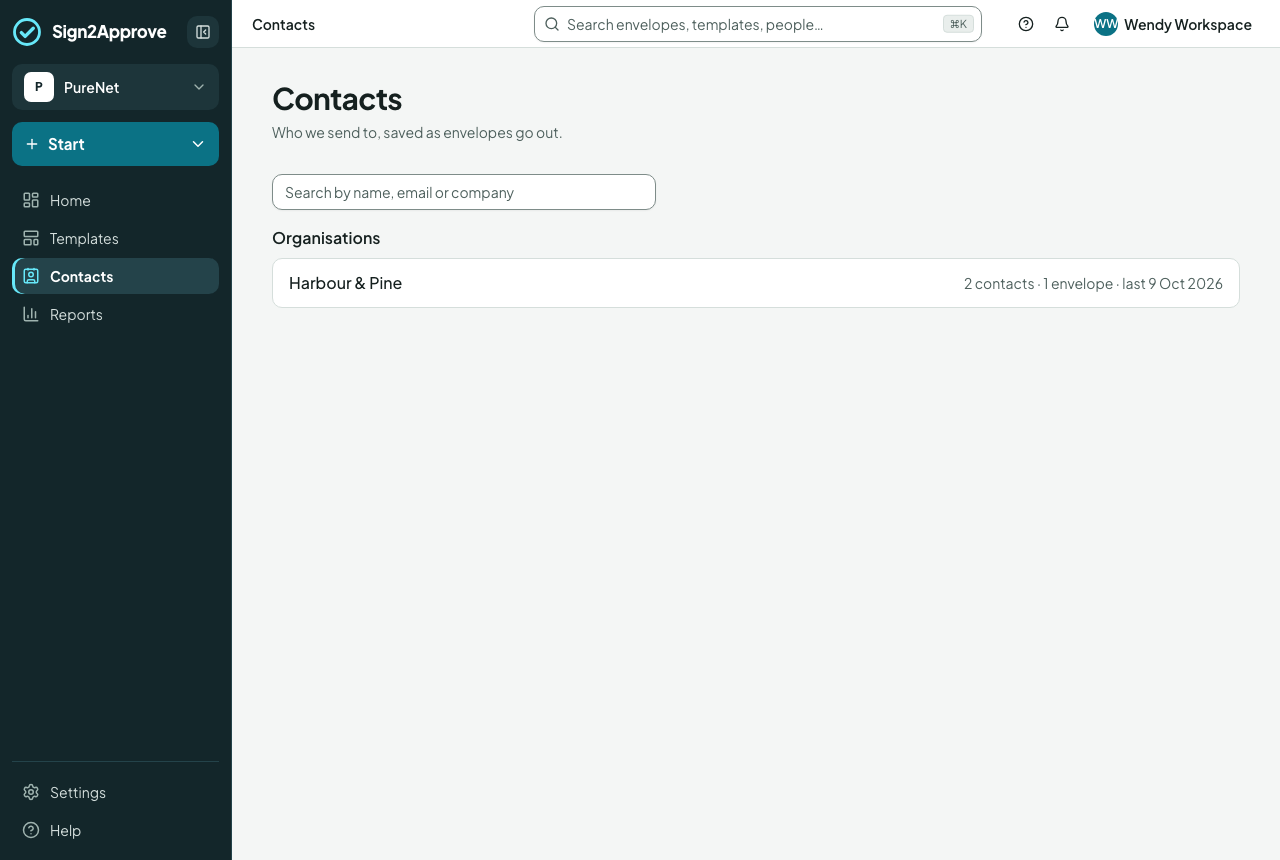
Contacts holds the organisations you send to, each with its people and the envelopes you have exchanged, plus the people with no organisation. You never add records by hand first: sending an envelope saves whoever it went to.
How records are made
- When an envelope is sent, the people it went to are saved, by rules that keep Contacts to business contacts:
- the signer of a company party (the client's contact, the supplier's contact, the other party, a contractor) is saved at any address except one at your own company's domains;
- anyone else on the envelope (someone copied in, an adviser) is saved only when their address is at a company domain;
- nobody is saved from your own company's domains, in an employee, candidate or participant role, or at a personal mailbox (gmail, outlook, icloud and the like) unless they are a company party's signer;
- nothing is saved from a confidential envelope or a restricted document type. Those people are still suggested as previous recipients to anyone who can see those envelopes.
- Nothing is saved twice: a match on email finds the existing contact.
- Every party named at Fill in (the supplier's company, the client's company) gets an organisation, named as typed, with the address typed there, whether or not anyone from it is a recipient.
- A party's own signer is filed under that party's organisation, and the email domain of their address joins it, so a later address at the same company is recognised.
- Anyone else is filed under the envelope's organisation only when every outside person on the envelope is at the same company domain. Otherwise they go under the organisation that already holds their domain, or none.
- A domain belongs to one organisation. It is never added to a second, and a domain held by two organisations matches neither. Mail services and your own company's domains never name an organisation.
- Envelopes sent before Contacts existed were brought in by the same rules.
New suppliers and clients
A template route can say "Any one of Finance approves only if this is the first purchase order with the supplier". A company counts as new to a template until an envelope of that template with that company as that party has completed (a completed NDA with them counts for nothing here); a duplicated template starts with no history; a record in Contacts is not enough on its own. The answer is fixed on each envelope when it is first sent.
Using Contacts when sending
- On Fill in, a party's box has Find in Contacts: type a name, email or company and pick; the Company, Contact, Email and Address boxes fill in. Someone new is simply typed in, and saved when you send.
- On Recipients, the Outside person's email box suggests contacts and previous recipients as you type.
Tidying
Anyone who can send can see Contacts. Managers and workspace admins can rename an organisation, set its address and email domains (a domain another organisation holds is refused), and correct a person's name or job title; the organisation's name updates on the envelopes with it. A person's name is kept in parts (title, first name, middle names, surname and letters after their name, such as FCA), so each document can print it the way it needs. When a document changes someone's name (you on Fill in, or the person themselves while signing), their contact keeps it and says so: "Name changed by … on …". Records are kept, never deleted.