Checking a document is genuine
Anyone can check a signed PDF against the one we issued, by uploading it or entering its verification code.
Every sealed document has a verification code on its certificate, with a QR code that opens the check.
Open Check a signed document on the sender's signing site (the QR code on the certificate takes you there).
- Upload the PDF, or enter the verification code or the document's reference.
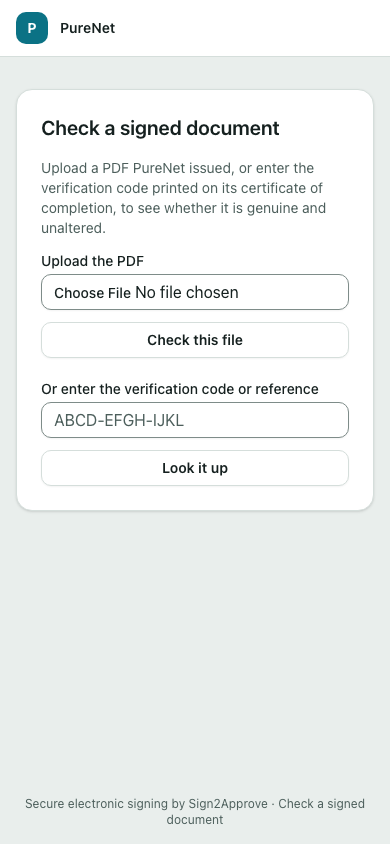
The page says one of:
- Genuine and unaltered — this is the file we issued, with its date, reference and the people who signed.
- Sealed here, but not the file we issued — the seal is ours but the bytes differ from what we issued; something was changed or added after sealing.
- Not found — no document matches.
The page shows no more than the certificate does, and nothing about documents that don't match.