
Recipients and signing order
Add people, choose what each must do, and set the order they act in.
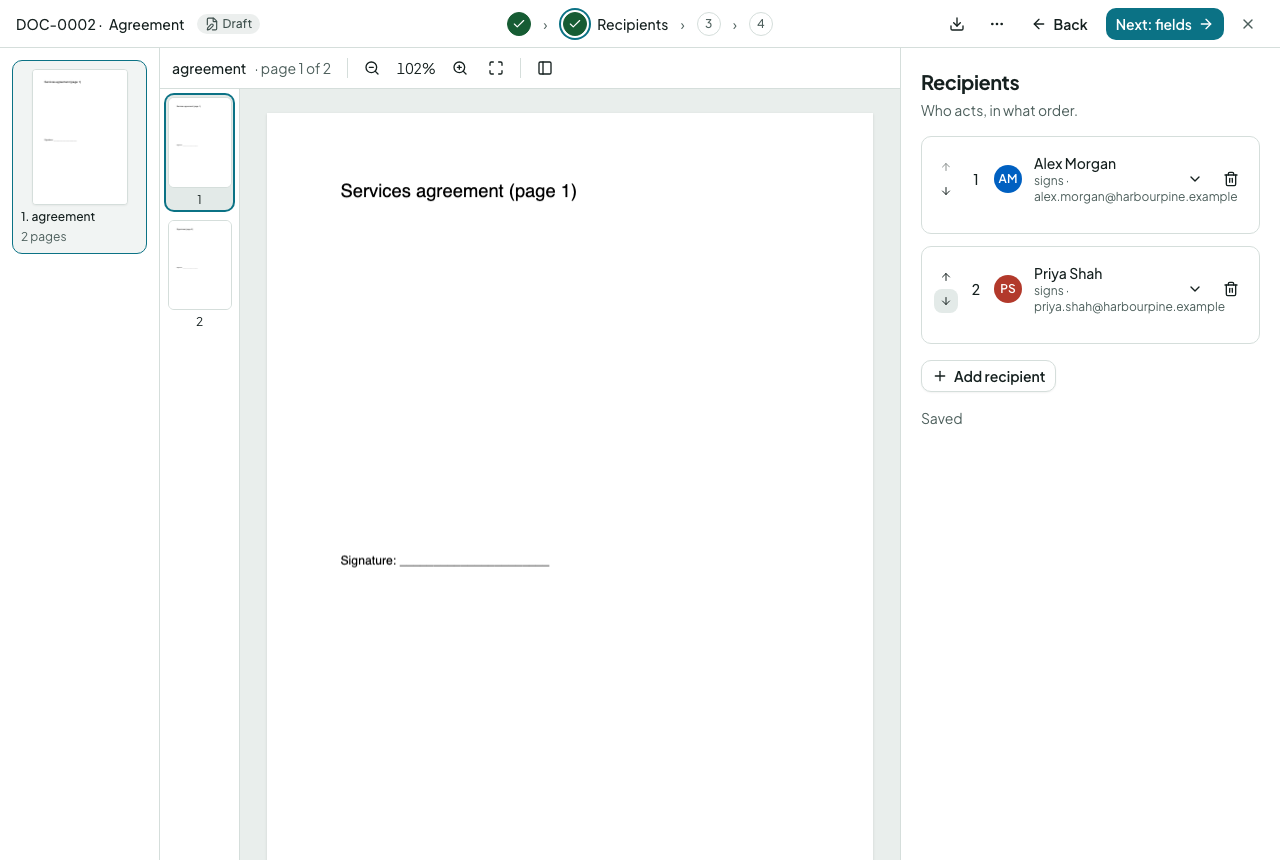
Adding a recipient
Choose Add recipient, then type a name and email. Your workspace's contacts and previous recipients are suggested as you type. Each card has a role:
| Role | What they do |
|---|---|
| Needs to sign | Fills in their fields and signs |
| Needs to approve | Approves, asks for changes or rejects, before or after others |
| Needs to view | Reads and confirms they have seen it |
| Receives a copy | Gets the finished document; nothing to do |
Steps and order
Every card has a step number. People in the same step act at the same time; step 2 starts when step 1 is complete. Use the arrows on a card to move it earlier or later, or drag one card onto another to put them in the same step. The chain preview under the list shows the order as it will run.
Internal approvers
A recipient can be a member of your workspace or a group rather than an outside person: choose Who → Member or Group. Member steps before the first outside recipient are internal: the outside recipients never see them, and the envelope stays with us until they are done. See approving. A named colleague asked to sign or fill in gets an email link that opens the same signing screen an outside signer sees, so it works whoever is signed in to the app on that computer; opened in the app as someone else, the envelope says whose step it is.
Options on a card
- Private message: a note only this person sees, on top of the envelope's message.
- Any one of: for an outside step, name several people; the first to sign completes it and the others are told.
- Copy timing: a copy recipient is told when their step is reached (a link) or at completion (the sealed PDF).
- Permissions: whether they may hand over signing, share a view-only link, download before completion, and where to send them after signing.
- Only if…, any one of several outside people and per-person permissions belong to templates: see build a template. When sending you choose who, the order, what each does and a private message.